Follow the below steps to enable Dark Mode In Facebook Messenger
Steps
- Open Facebook Messenger
- Open Any Friends Chat
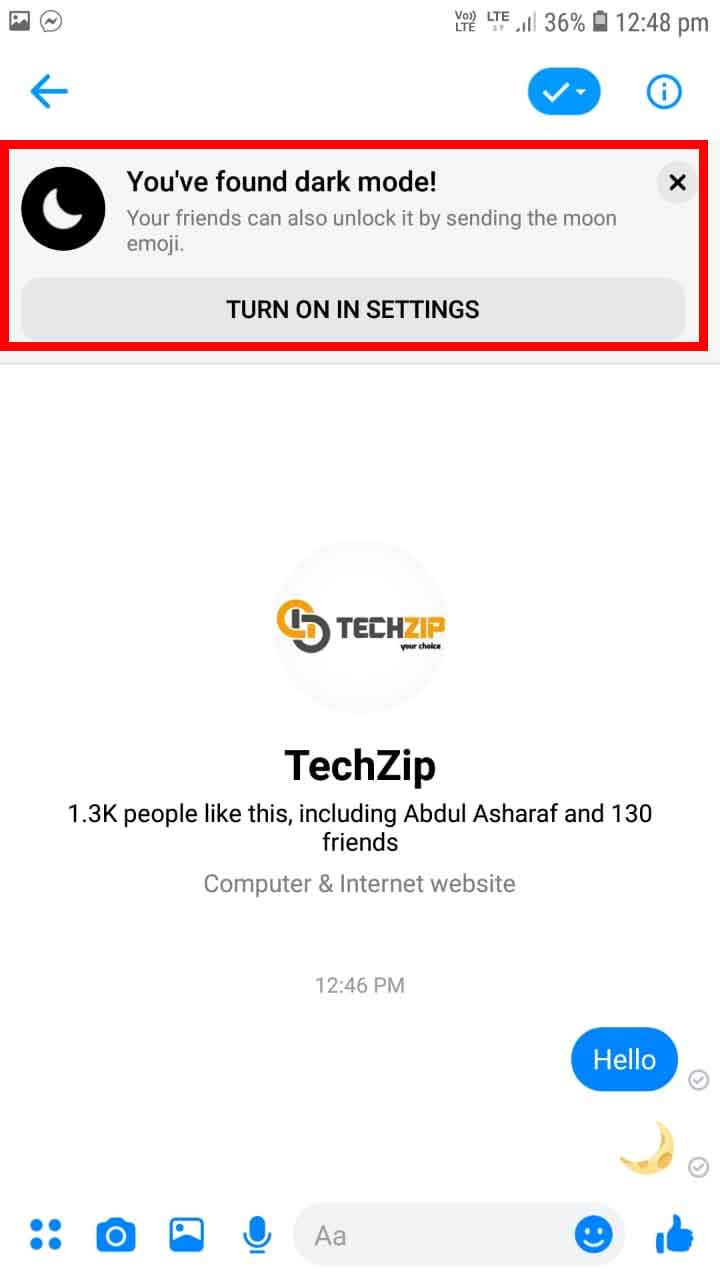
- Now Select the Moon Emoji from the emoji list and send

- Now notification will popup – You’ve found dark mode!
- Now Click on Turn On In Settings
- Now on Dark Mode
- Now your facebook messenger will change to dark mode

Watch Malayalam Tutorial